
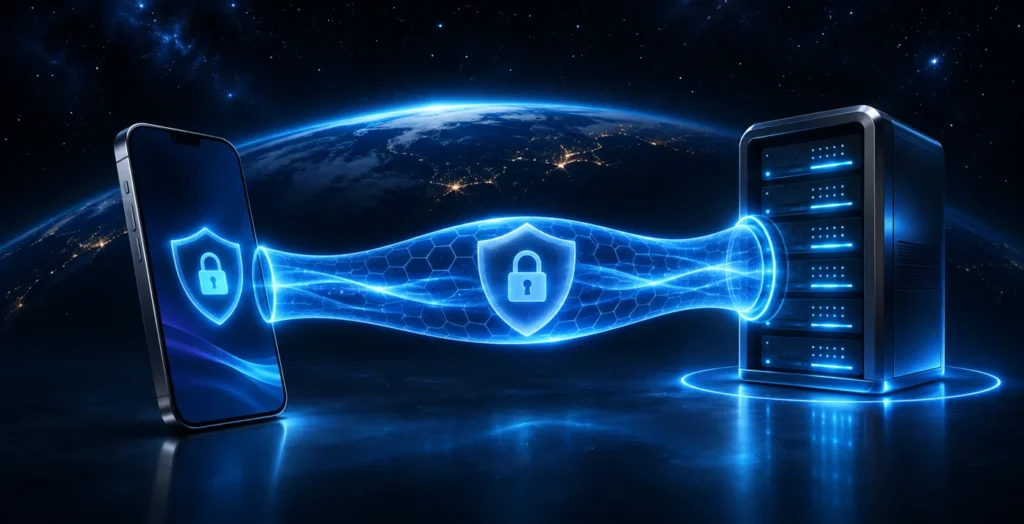
A VPN creates a protected connection between your device and a VPN server. Apps send traffic covered by that connection through the server. This can be useful on public Wi-Fi and when accessing familiar online services. Here’s what a VPN can and cannot do.
How a VPN works
Without a VPN, your device reaches websites through your network and internet provider. When you turn on a VPN, its app establishes an encrypted connection to a VPN server. Websites you access through it generally see the server’s IP address instead of your connection’s address.
The VPN provider is part of this process, so its privacy policy and settings matter. Check the provider’s terms to understand which data it processes and how long it keeps it.
When a VPN can help
- Public Wi-Fi. The encrypted connection helps protect traffic sent through the VPN between your device and the server.
- Access to services. Whether a connection works depends on your network, local restrictions and the service’s settings. Availability cannot be guaranteed.
- Changing networks. When moving between home and mobile networks, an app may reconnect to the VPN server; behaviour depends on the app and its settings.
A VPN does not replace HTTPS. Check the website address and use a secure connection, especially when entering passwords or payment details.
What a VPN does not do
A VPN does not make you anonymous on its own. Websites can still recognise you through account sign-ins, cookies and other data. It also does not automatically stop phishing, malicious apps or password theft. Use unique passwords, enable two-factor authentication and keep your device updated.
Getting started with IronLink VPN
- Open the IronLink Telegram bot and review the current terms.
- Follow the instructions in the bot and the app for your device.
- If the connection fails, check that your internet works without the VPN and contact Telegram support. Do not share your password, login codes, or full subscription link with anyone.